Septic Final Approval Records: Installed Is Not Always Finalized
Septic system installed. But is the final approval in the file?
We connect the permit, inspection and completion records so you can see which stages are documented and which questions remain.
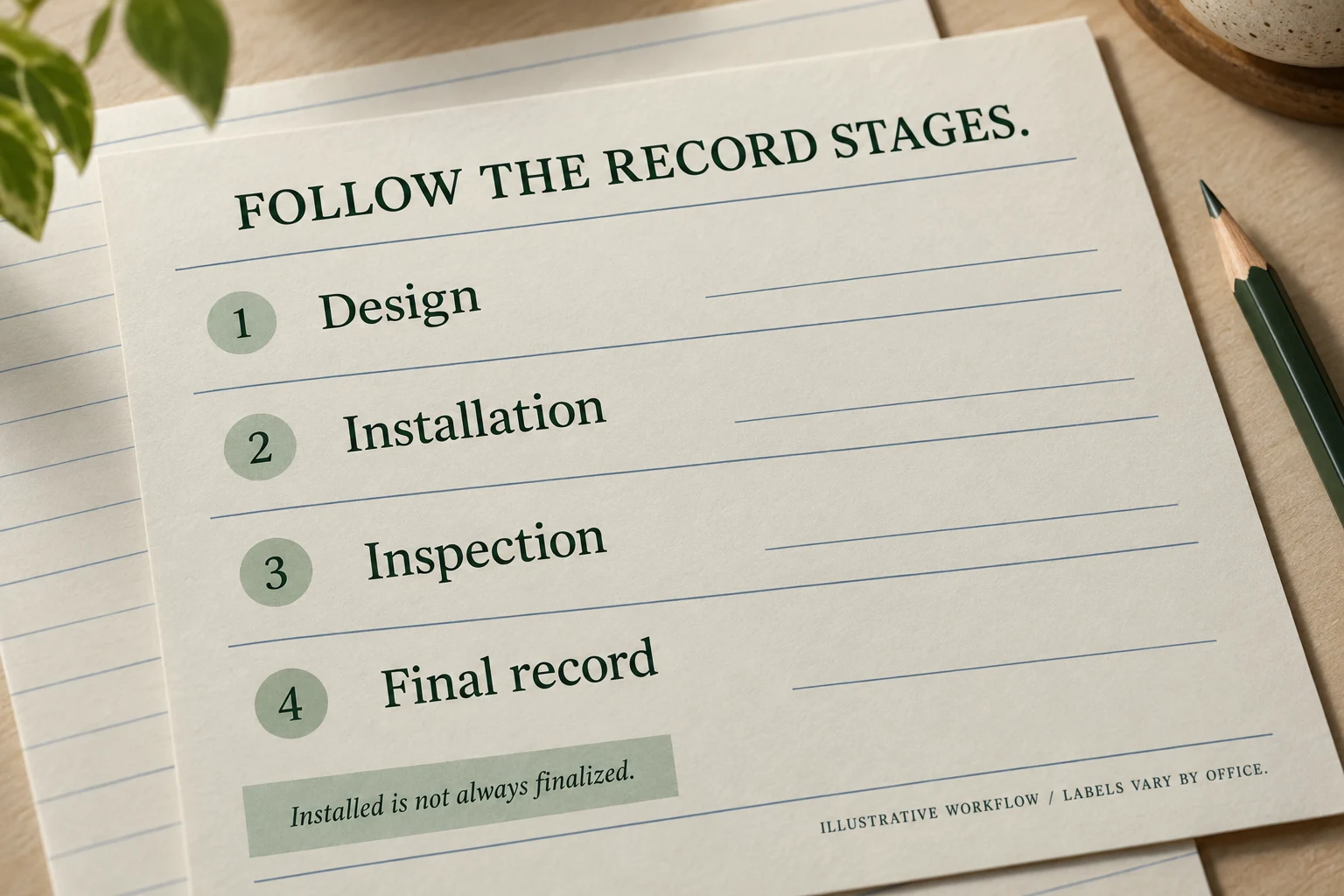
From a reviewed customer file
The portal says installed. Is the septic file complete?
The question
Does an Installed status mean every record stage is complete?
The status review
We compared the King County installation and inspection entries with the final record-drawing workflow.
The useful answer
The historical snapshot supported installation and inspection findings, but not a finalized record-drawing stage. We kept those conclusions separate.
Read the document details
In a reviewed King County, Washington snapshot, the system showed Installed and a Satisfactory inspection, while the Finalize Date was blank and the record-drawing workflow remained open. Those fields answered different questions. This describes the historical snapshot we reviewed, not the permit's current status. By contrast, a Williamson County return included a separate Certificate of Completion alongside the construction permit.
Official record route: King County on-site sewage system records ↗. General route only; the customer's private file is not linked.
A practical record check
Connect the evidence.
Then decide.
Identify the design authorization
The permit or approved design describes what may be constructed. Do not treat that document alone as evidence that all work was completed.
Read the inspection result
Check what was inspected, the date and any conditions or follow-up notes. An inspection result is evidence for that inspection stage, not every administrative stage.
Look for the final document
Search for a completion certificate, final approval or approved record drawing. Names and workflows vary by office; a missing portal field alone does not prove the system is unapproved.
Ask a precise closing question
Ask the custodian: Is this the complete existing file? Is an approved record drawing or completion document held elsewhere, awaiting publication, or not present? Request the document rather than relying on a summary status.
What you receive
Your records.
Your question, explained.
The records we recover, a stage-by-stage explanation of permit, inspection and completion evidence, and the precise final-record question to resolve.
We search public sources and contact the relevant records office when needed.
Want help with your property?
Send the address and your question. Already have the file? Include it so we can connect the pages.