Where should I start a septic permit lookup?
Start with the state records or permit page, then move to the county health or environmental office when the state page points there or the file is still missing.
A septic permit lookup is usually state plus county. Use the official state route first, then follow the county health or environmental file path instead of treating a broad search result as the record itself.
A full address resolves the county and starts the official route. If the public search stops, SepticPath can investigate the record and contact the responsible office for you.
When a direct file exists: The original record still opens on the government or county site. Otherwise the official route may require a search, form, call, login, or request there; this page keeps your place for 30 days.
Your answer stays on this device for 30 days so the next visit can continue from here.
Add a downloaded file, phone screenshot, or text copied from the official page or email. Each source updates one shared checklist and shows conflicts between records.
PDF, TXT, PNG, or JPG; maximum 10 MB per source. Originals and OCR images are never saved. The extracted summary stays only in this tab unless you choose “Save session for later.”
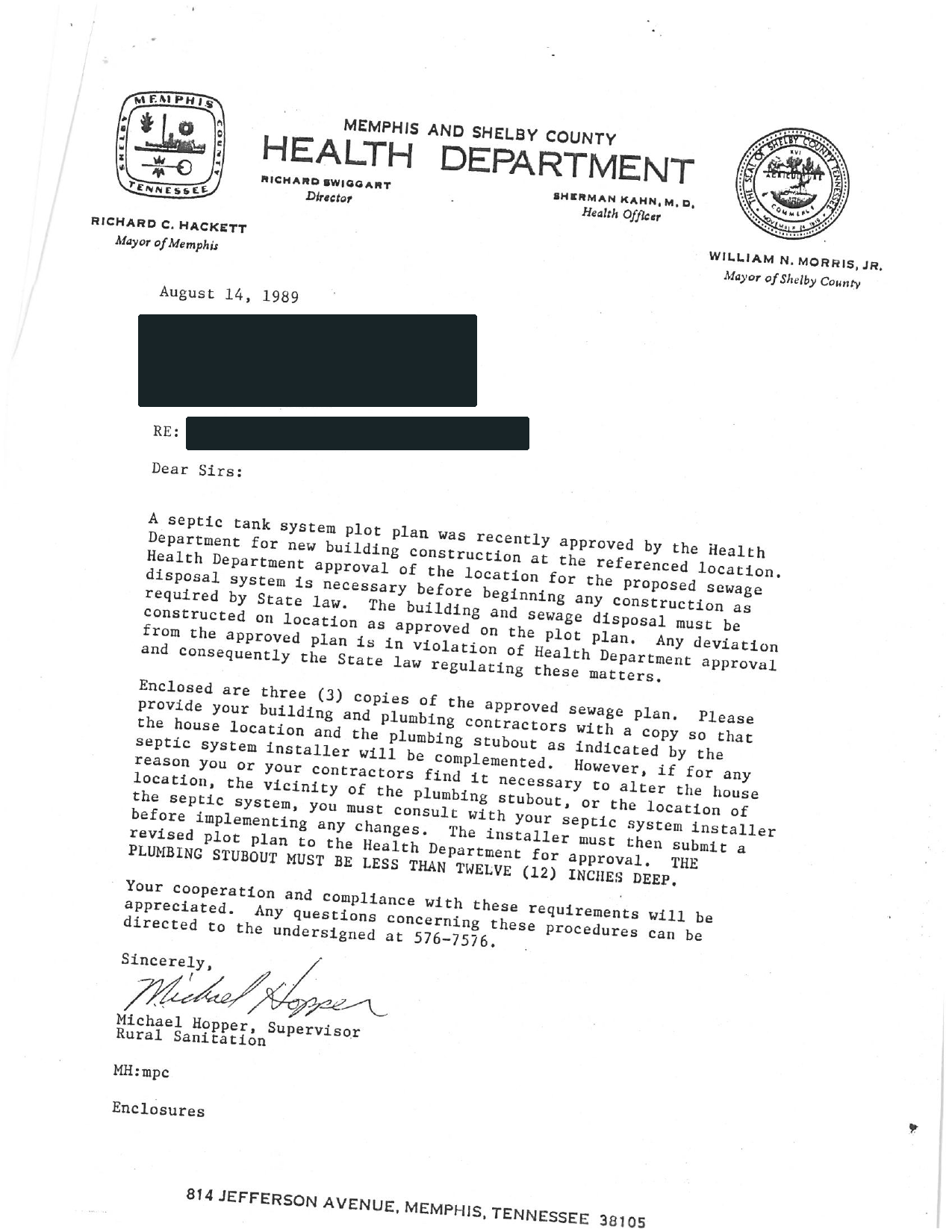
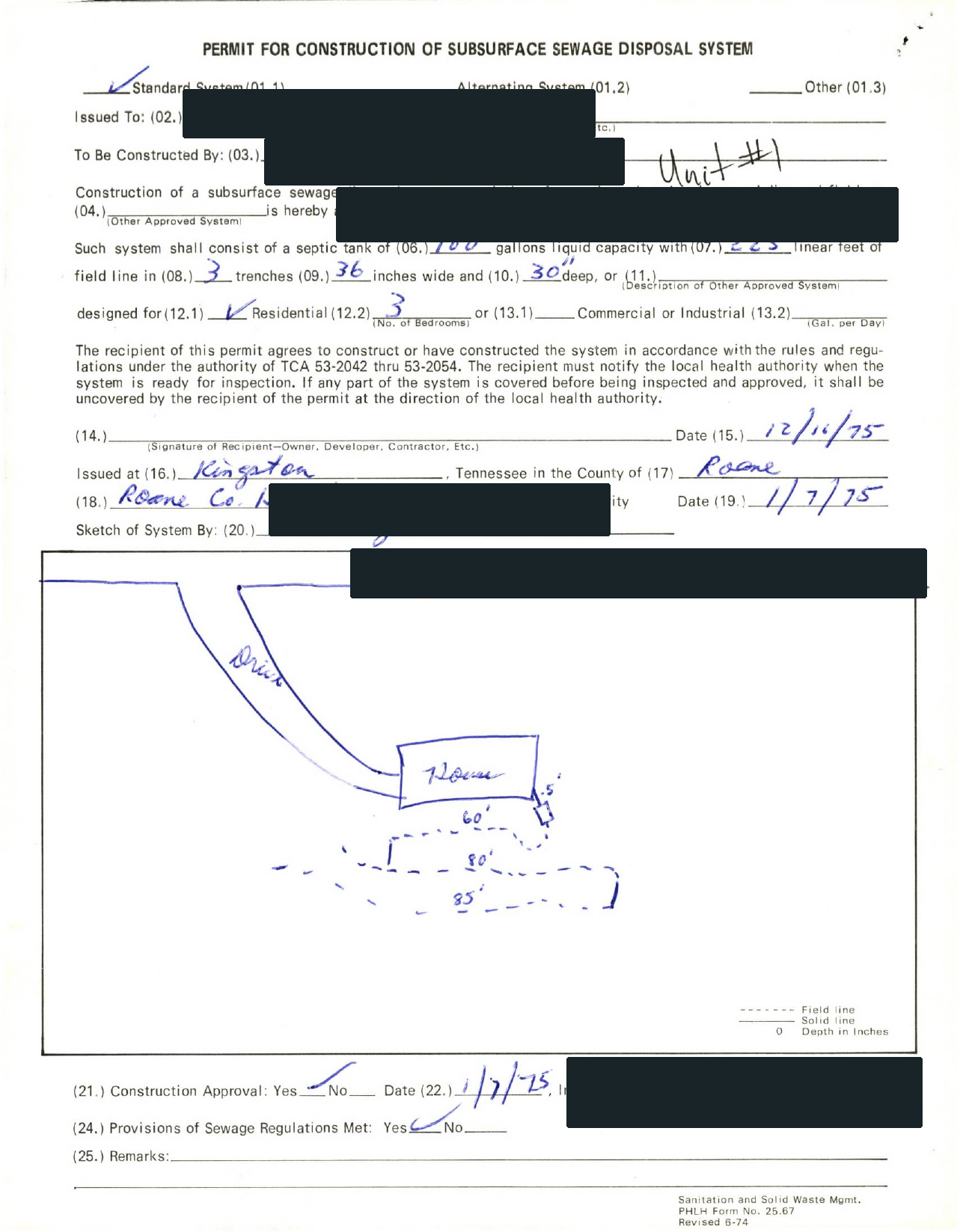
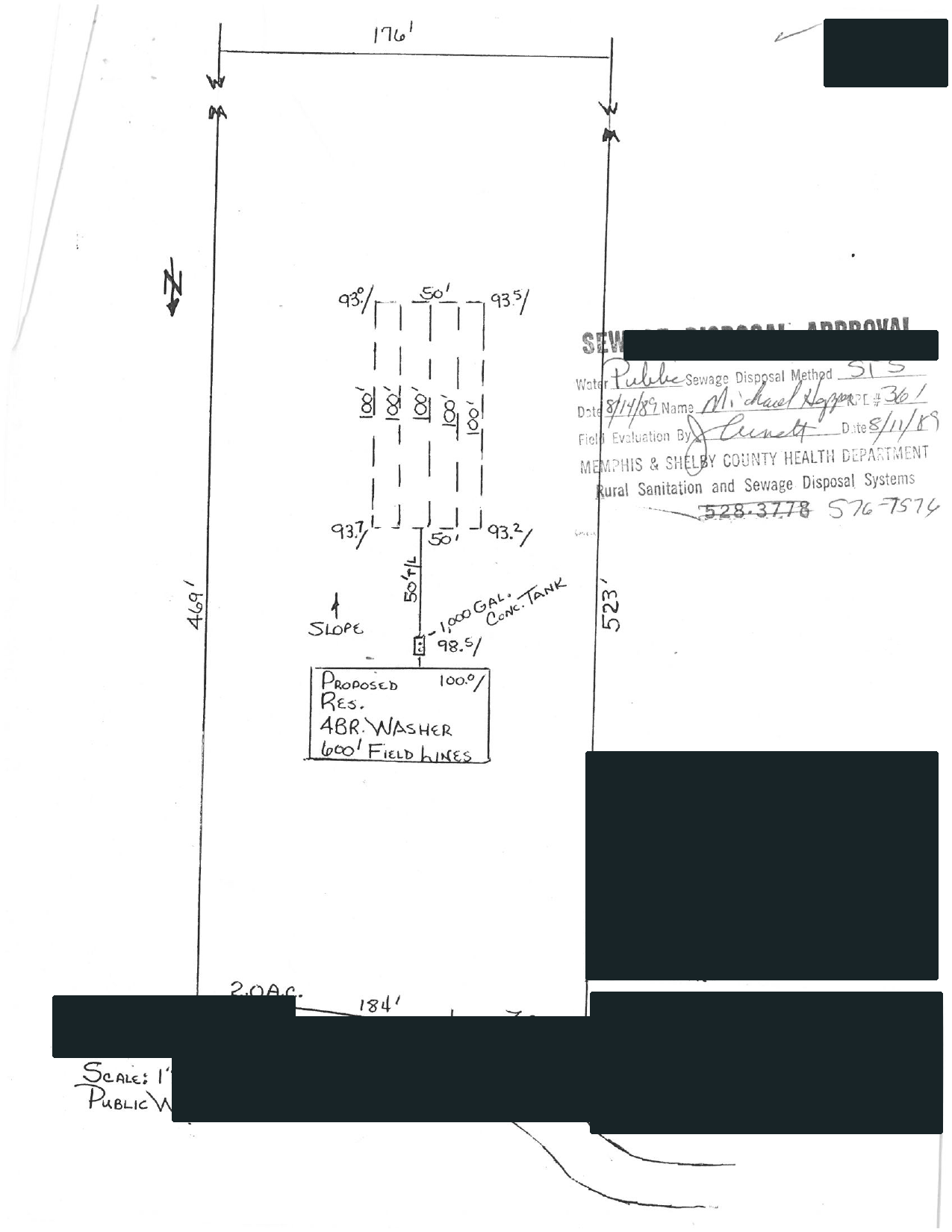
Selected full pages from separate completed requests: original agency records, hand-drawn plans, and the brief delivered after review.
Swipe to compare the original pages Document 1 of 3
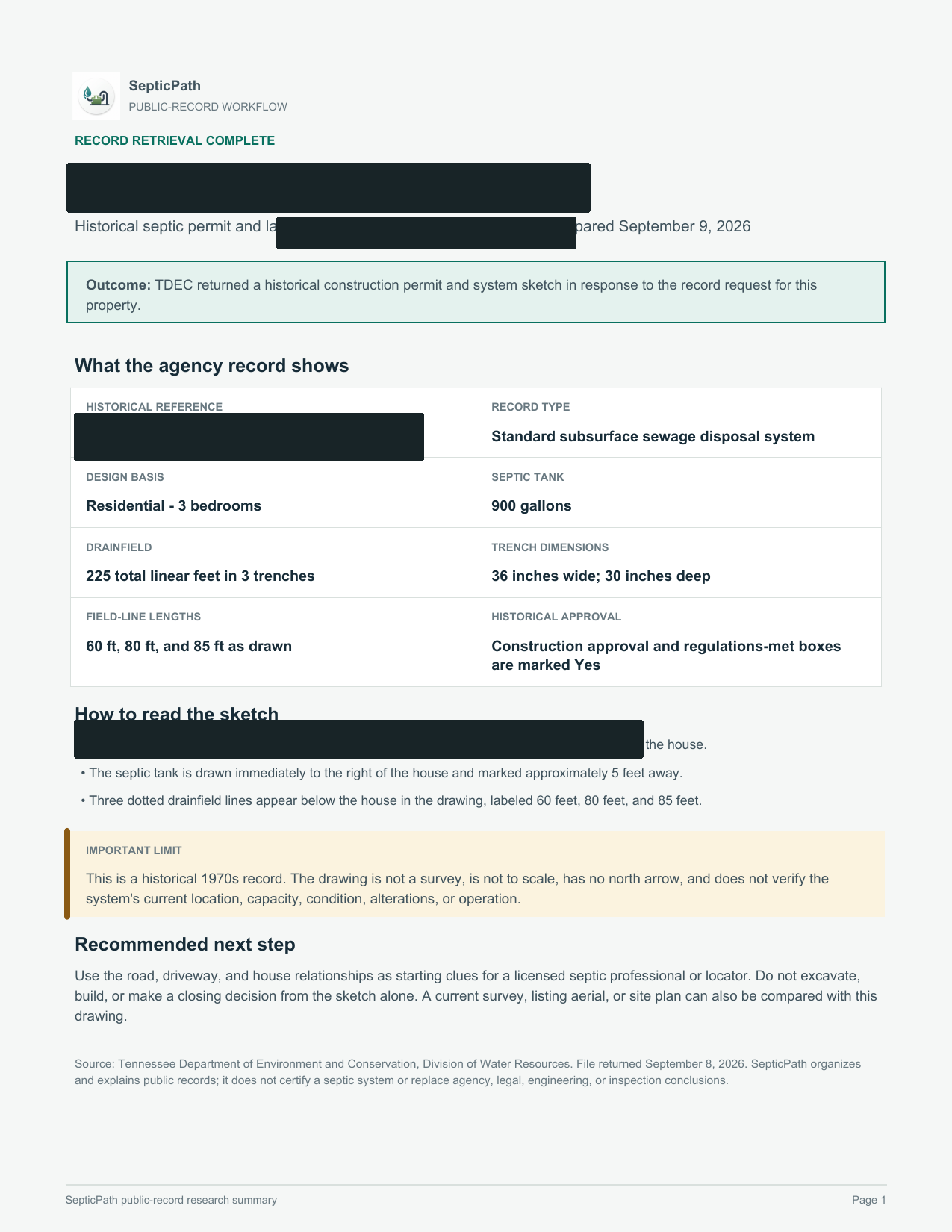
What this helps withA starting point for discussing the layout with a septic professional.
What it does not proveThis is an approved design, not proof of the system’s current location or condition.
Open the delivered brief ↗Privacy reviewed: black bars remove identifying details; agency language, form structure, system data, and drawing geometry remain visible. Samples are from separate requests, not one property file. Record availability varies by property and jurisdiction.
Government archives may be indexed under an earlier owner, parcel, subdivision, lot, legal description, or permit number. A failed address search is not proof that no file exists.
Use this when you know the state or county but do not have a complete property address.
No matching county route yet. Try the state name, a nearby county, or open the state records lookup.
Save the original. Compare the address and parcel, permit number, approved use or bedrooms, installed layout, final approval, and later repairs. Do not infer current condition from an old permit.
Retry with alternate identifiers, then contact the office. Only a written office response should be treated as a confirmed no-record result.
Name the missing artifact and request it directly. If the installed layout or current condition still cannot be established, a professional locate or inspection may be the next step.
Independent guide. SepticPath is not a government agency and does not certify record existence, compliance, or system condition. Last review activity:
Start with the state records or permit page, then move to the county health or environmental office when the state page points there or the file is still missing.
No. A lookup pulls the file history, permit, as-built, or inspection letter path. An inspection evaluates current system condition and may require a different office or professional visit.
Treat the missing file as a risk signal. Open the state records page, check county routing, and avoid trusting the lowest quote or clean closing story until the file owner responds.