NH homeowner guide

New Hampshire Septic Records Checklist and Permit Lookup

Start with the property NH records lookup
Current verdict

Find the county file before you trust the story.

01 Who holds the file NHDES - Septic (Subsurface)
02 What to bring Any current approval, operational approval, or Individual Sewage Disposal System file tied to the property.
03 Before you price Use the estimate after the local file path is clear.

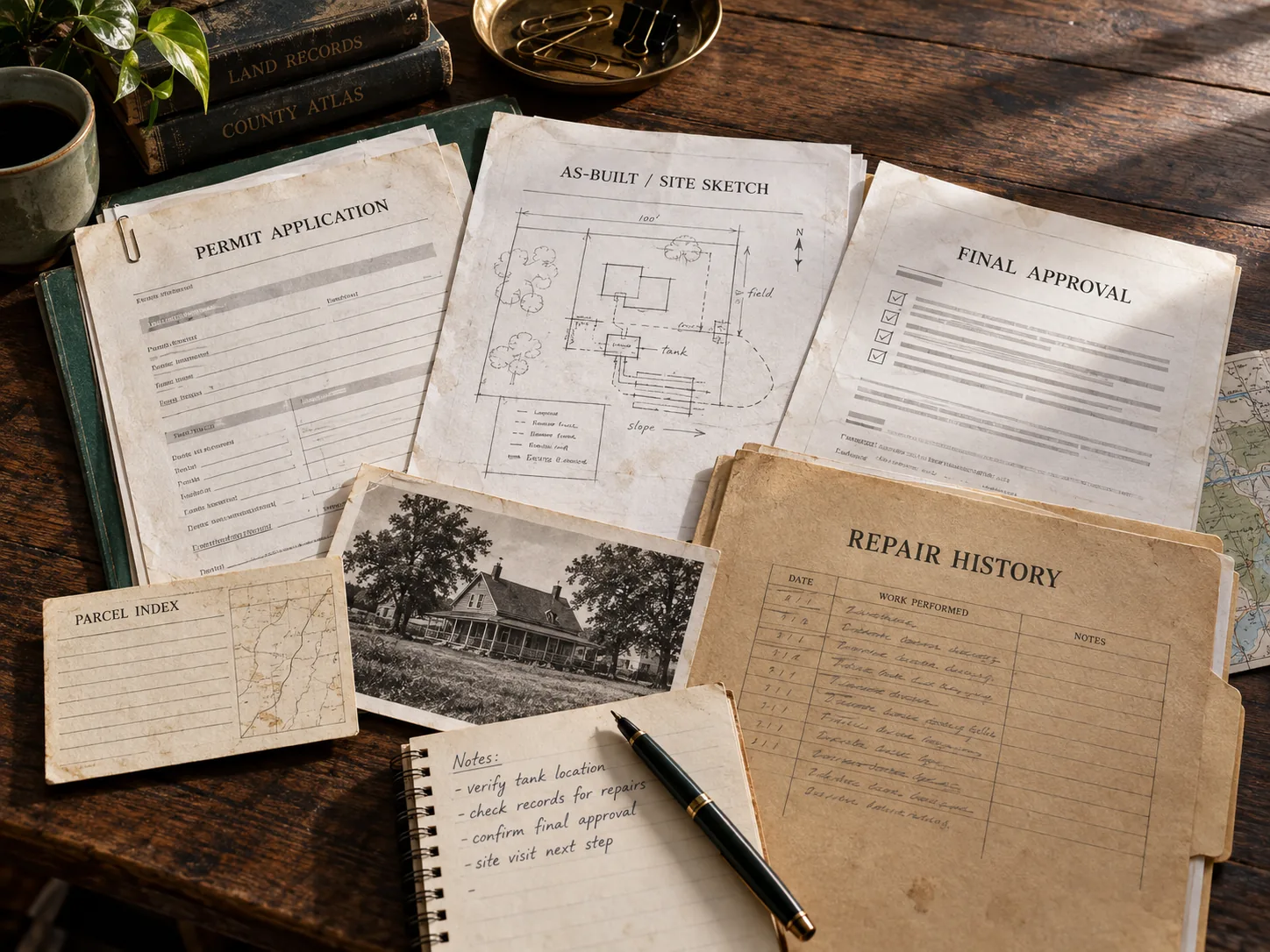
New Hampshire records lookup starts with the permit search, county file, or official office path. New Hampshire records work is less about one statewide file and more about getting the right NHDES or the local health officer file in hand. If the homeowner cannot surface the OneStop record and local failure-verification note, the low end is still just a planning story.

Answer at a glance

New Hampshire records lookup guide

Use this New Hampshire guide to pick the right office, pull the first file, and jump to a county route when the property location is already known.

Official source: New Hampshire Online Forms System · content reviewed 2026-03-10

Search captureAnswer new hampshire septic records with the file owner, the official route, and the first artifact before the page becomes another broad state overview.
Official pathUse NHDES - Septic (Subsurface) as the verification lane, then clarify whether the request belongs with a state office, regional contact, contract county, or local health department.
County handoffKeep the state route focused on office ownership, request language, parcel identifiers, and official source depth.
Proof to pullAny current approval, operational approval, or Individual Sewage Disposal System file tied to the property.
State-specific guide New Hampshire Department of Environmental Services Permit and records path
Prepared by
SepticPath Editorial Team Planning editor Turns state rules, permit friction, and buyer-risk signals into estimate-first homeowner guidance.
Reviewed by
SepticPath Source Review Source reviewer Checks official links, verification dates, and local workflow notes before a page stays public.
Reviewed against
Cites 5 official sources tied to this state workflow. The date below is the latest page or source review activity.
Latest review activity
2026-03-10

This New Hampshire Septic Records Checklist and Permit Lookup page is maintained as conservative homeowner guidance and changes when its state evidence or workflow changes.

Jump between sections Workflow Risk checks Sources FAQ
Next move board

Do these in order before the page becomes a price page.

01
Pull the file first

Find the office that owns the file

Open the official records path before you compress a records problem into one planning number or quote request.

Open records lookup
02
Run the state estimate

Estimate before the approval-status check

New Hampshire quote conversations get more real once you know whether the property is operationally approved for the intended use and whether OneStop or archive records actually support the file story.

Run the estimate
03
Pull the file first

Open records before you trust the price story

For New Hampshire Septic Records Checklist and Permit Lookup, use the official records path when you still need the permit, as-built, inspection, or maintenance file before moving into quote mode.

Open records lookup
Records proof ladder

Turn the lookup into the exact file task before pricing.

For New Hampshire, use these routes when the search needs a parcel lookup, written records request, as-built file, or county page instead of another broad state summary.

Septic permit search by address

Use this New Hampshire route when the user has an address, parcel, owner, APN, TMS, or legal-description clue and needs the right file owner before the record is treated as missing.

Open address search guide

Septic permit records request

Use this New Hampshire route when the next move is asking for a permit copy, as-built, final approval, repair file, inspection letter, or written no-record response.

Open records request guide

Septic as-built records

Use this New Hampshire route when the installed layout, site sketch, tank location, drain field, reserve area, or repair scope can change the next quote or deal decision.

Open as-built records guide

Septic records by county

Use this New Hampshire route when the county is known and the next useful click is the local permit file, records request, parcel lookup, or office path.

Open county records guide
Official state file path

Use the official file route before another broad search.

This is the New Hampshire records path to follow when the visitor needs a permit copy, as-built, inspection letter, repair trail, or written no-record response tied to a parcel.

Verification set Owner, artifact, request, fallback
File owner

New Hampshire Online Forms System | NHDES - Septic (Subsurface). Treat this as the first verification lane, not as proof that every county file is online.

First artifact

Any current approval, operational approval, or Individual Sewage Disposal System file tied to the property.

Request method

Start with NHDES - Septic (Subsurface), then use county or regional contact wording if the portal does not show the parcel file.

County drop trigger

When the county is known, move from the state route into the county record page before sending the visitor to another broad search.

No-record fallback

If the New Hampshire lookup has no match, ask for a written no-record response and the office that owns archived, regional, contract-county, or pre-digital septic files.

Address clue

Carry the New Hampshire address, parcel/APN/TMS, owner, legal description, subdivision, and any prior permit number into the next request.

Official records route

New Hampshire records lookup guide

Use this New Hampshire guide to pick the right office, pull the first file, and jump to a county route when the property location is already known.

Priority lane State record lookup and county route handoff
How do I find new hampshire septic records? How do I find new hampshire septic permit lookup? How do I find new hampshire county septic records? How do I find septic permit search by address new hampshire? How do I find septic as-built records new hampshire?
Search capture

Answer new hampshire septic records with the file owner, the official route, and the first artifact before the page becomes another broad state overview.

Official path

Use NHDES - Septic (Subsurface) as the verification lane, then clarify whether the request belongs with a state office, regional contact, contract county, or local health department.

County handoff

Keep the state route focused on office ownership, request language, parcel identifiers, and official source depth.

Proof to pull

Any current approval, operational approval, or Individual Sewage Disposal System file tied to the property.

Common records searches

Use the New Hampshire search phrase that matches the job.

Each New Hampshire route below resolves a different records search into the same practical next step: identify the file owner, pull the permit trail, and then decide whether the record is strong enough to trust.

Permit lookup

How do I handle New Hampshire septic permit lookup?

Start with the official New Hampshire records or local authority path, then confirm the permit file before trusting a quote, buyer story, or repair plan.

Open records path
County records

How do I handle New Hampshire county septic records?

Use this in New Hampshire when the county file owner, parcel clue, or local records request is the real next step.

Open county records routes
Authority gate

Find the office or lookup holding the file

For New Hampshire Septic Records Checklist and Permit Lookup, use the local office first when you want to move from a planning page into an actual permit or records workflow.

Open local authority source
Record gate

Open the records lookup first

For New Hampshire Septic Records Checklist and Permit Lookup, use the existing record trail to confirm whether this property still fits the low end before you move into quote mode.

Open records lookup
State context Quick facts, fit, and workflow details Open when you need the full state context behind the answer panel.

Quick facts

Rule style Permit and records path Override risk high
Last verified 2026-03-10 Official sources 5
Local verification links 3 Records links 3
Public sizing signal Conservative fallback range Primary first call Start with NHDES's current septic workflow and record path, then confirm whether the town health officer or another local official has to verify the next step.

Records lookup checklist

  1. Open the Septic online forms or current record path first and check OneStop before assuming the file is missing.
  2. Ask whether the property is operationally approved for the intended use and whether any conversion, addition, or expansion still needs approval.
  3. If the system is failed or the file is thin, confirm whether a local health officer, permitted designer, or other local official needs to verify the next step in writing.

Who this page is for

Best for New Hampshire buyers, owners, agents, and builders who know the property uses septic but still need to know whether the file is complete enough to trust the next quote or deal step.

  • You know the parcel uses septic, but no one has confirmed which NHDES or the local health officer actually controls the file. You also need the right records lookup or permit search path before the file story is trustworthy.
  • The owner says the system is permitted, but there is still no OneStop record and local failure-verification note in hand.
  • You need to know whether operational-approval and archive-gap friction makes the record trail more complicated than the owner remembers.

What changes this page in New Hampshire

Best for New Hampshire buyers, owners, agents, and builders who know the property uses septic but still need to know whether the file is complete enough to trust the next quote or deal step. New Hampshire's records lookup page is strongest when it makes the permit search, county file owner, and missing document explicit. New Hampshire records intent is strongest when the page connects NHDES or the local health officer routing, OneStop record and local failure-verification note, and operational-approval and archive-gap friction instead of pretending the state keeps one simple homeowner database.

New Hampshire Septic Records Checklist and Permit Lookup permit context: New Hampshire homeowners usually need the approval-status and local-file story clarified before they trust an install, replacement, or expansion quote. The project is not really permit-ready until the record path, operational approval, and any local-health or special-rule trigger are clearer. The first practical check is usually the office, file path, or reviewer identified in this state workflow: Start with NHDES's current septic workflow and record path, then confirm whether the town health officer or another local official has to verify the next step.

New Hampshire Septic Records Checklist and Permit Lookup local exception: New Hampshire's main wrinkle is that special property-transfer rules can apply to certain protected-shoreland waterfront properties, while failure verification and expansion approvals can still widen non-waterfront projects. That is why this page pairs a planning estimate with official sources, records links, and a local checklist before you move into quote mode.

Main estimate drivers in New Hampshire

  • New Hampshire records lookup gets useful only after the permit search, county file owner, or official office path is clear.
  • A thin OneStop record and local failure-verification note trail can hide the real approval story behind the current system.
  • operational-approval and archive-gap friction can matter as much as the permit copy before the homeowner trusts the low end.

How this workflow usually unfolds in New Hampshire

  1. Start with the NHDES or the local health officer and confirm who actually holds the onsite file for the property.
  2. Request the OneStop record and local failure-verification note, permit file, approval path, and any transfer-related or follow-up record tied to the parcel.
  3. Compare the records you received against the property story so you know whether the next step is buyer diligence, permit cleanup, or replacement planning.
  4. Then move into pricing only after the file is strong enough to trust the current system narrative.
Verification layer Prep checks and official sources Open when you need the authority links, records sources, and low-end risk checks.

Start with this file prep

Who to call first. Start with NHDES's current septic workflow and record path, then confirm whether the town health officer or another local official has to verify the next step.

Records to request.

  • Any current approval, operational approval, or Individual Sewage Disposal System file tied to the property.
  • Any OneStop result or archive record showing prior septic approvals or system status.
  • Any local-health or designer statement tied to failure, expansion, or transfer-specific review.

What makes the file less trustworthy in New Hampshire

State-level checks.

  • If the operational-approval status is unclear, the low end is still a planning scenario rather than a file-backed number.
  • If the file only exists in archive records or needs local-official verification, the timeline can widen before contractor pricing becomes comparable.
  • If a shoreline transfer rule, failure verification, or expansion approval applies, the project can move beyond the simplest permit story quickly.
  • New Hampshire looks statewide through NHDES, but the real homeowner workflow changes quickly once you know whether OneStop has the record, whether local officials must sign off, and whether a shoreline or conversion rule changes the path.

Page-specific checks.

  • The low-end file story breaks if no one has identified the NHDES or the local health officer holding the actual record.
  • A missing OneStop record and local failure-verification note can hide a very different system path than the owner summary suggests.
  • operational-approval and archive-gap friction can make the file much more demanding than a generic record lookup implies.

Permit timeline watch

New Hampshire timing often turns on whether OneStop or archive records surface the file, whether local-health verification is required, and whether a failure or shoreline trigger changes the approval path before the job feels routine.

When the missing file becomes a deal problem

Buyers should ask whether the system is operationally approved for the intended use and whether any special shoreline evaluation or archive-file gap changes the property story.

Maintenance / inspection note

New Hampshire's current source set is strongest on approval-status checks, file retrieval, and local-verification workflow, not on one simple statewide pumping cadence.

Special state wrinkle

New Hampshire's main wrinkle is that special property-transfer rules can apply to certain protected-shoreland waterfront properties, while failure verification and expansion approvals can still widen non-waterfront projects.

Bring this into the next records lookup

  • The NHDES or the local health officer identified for the property.
  • Any OneStop record and local failure-verification note, permit file, design packet, or approval note already tied to the parcel.
  • Any transfer, complaint, inspection, or follow-up record already in the file.
  • A short summary of the real use case: buyer diligence, permit cleanup, replacement planning, or service-history check.

Official file and lookup links

New Hampshire: Find the office or lookup holding the file.

Open the records lookup first.

  • New Hampshire Online Forms System NHDES - Septic (Subsurface)
    Trust: high Content reviewed: 2026-03-10 HTTP reachable: 2026-07-21 Method: legacy editorial review
  • New Hampshire Department of Environmental Services The Municipal EcoLink March 2024
    Trust: high Content reviewed: 2026-03-10 Automated check blocked: 2026-07-21 Method: editorial registry Manual reachability review queued
  • New Hampshire Department of Environmental Services The Municipal EcoLink April 2023
    Trust: high Content reviewed: 2026-03-10 Automated check blocked: 2026-07-21 Method: editorial registry Manual reachability review queued
Official-source context
  • New Hampshire Department of Environmental Services SSB-14 Transfers of Waterfront Properties with Subsurface Systems
    Trust: high Content reviewed: 2026-03-10 Automated check blocked: 2026-07-21 Method: editorial registry Manual reachability review queued
  • New Hampshire Online Forms System NHDES - Septic (Subsurface)
    Trust: high Content reviewed: 2026-03-10 HTTP reachable: 2026-07-21 Method: legacy editorial review
  • New Hampshire Department of Environmental Services The Municipal EcoLink April 2023
    Trust: high Content reviewed: 2026-03-10 Automated check blocked: 2026-07-21 Method: editorial registry Manual reachability review queued
  • New Hampshire Department of Environmental Services The Municipal EcoLink March 2024
    Trust: high Content reviewed: 2026-03-10 Automated check blocked: 2026-07-21 Method: editorial registry Manual reachability review queued
  • New Hampshire Department of Environmental Services SSB-1 Replacement of a Failed Subsurface Disposal System
    Trust: high Content reviewed: 2026-03-10 Automated check blocked: 2026-07-21 Method: editorial registry Manual reachability review queued
FAQ

New Hampshire questions this page should answer before a quote request.

Who holds New Hampshire septic records in practice?

Usually the NHDES or the local health officer, which is the first office to identify before you ask for the OneStop record and local failure-verification note or any transfer paperwork.

Does New Hampshire have a septic permit lookup?

Use the New Hampshire records lookup path to find the permit search, county file owner, or official office that can confirm the permit, as-built, inspection, or repair record before quotes.

Next best action

Estimate before the approval-status check

New Hampshire quote conversations get more real once you know whether the property is operationally approved for the intended use and whether OneStop or archive records actually support the file story. The calculator result already shows the likely tank band, system class, cost range, and state-specific rule context. Use the file, permit, or authority path above before you move into quote mode.