From the search to the answer
No septic records found online? Check what “no result” means.
An empty screen describes the search you just ran. It does not establish whether a system exists, whether older paper records survive, or whether another office holds the file.
- 01 · The portal would not open
- Record the access problem and use the office's published request route. A blocked viewer is not a no-record response.
- 02 · The address returned no match
- Check the parcel, earlier address, prior owner, subdivision or lot if the search supports them. Keep candidate results separate until the property matches.
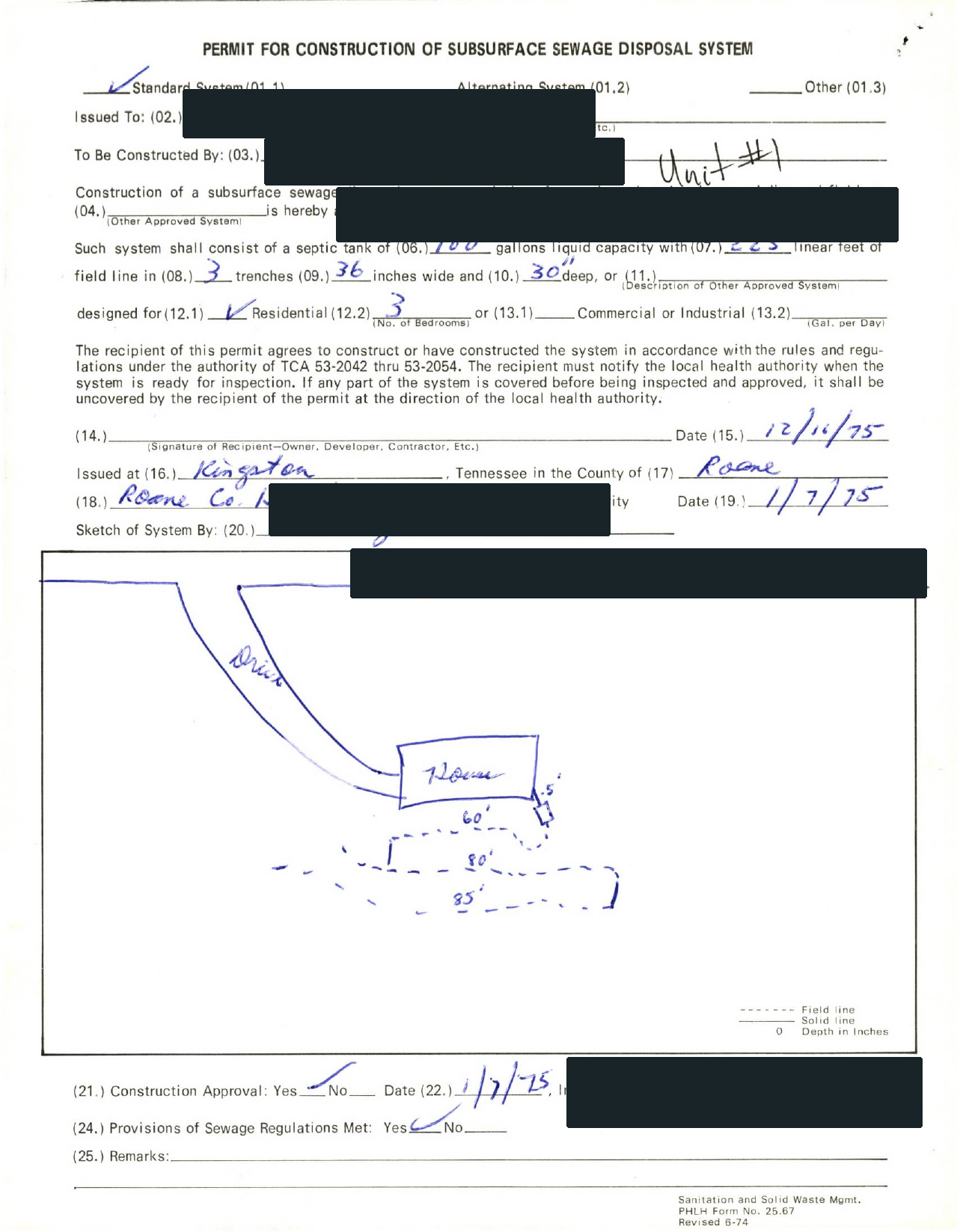
- 03 · A permit row appeared, but no file
- Use the permit reference to ask for the actual documents and attachments. Index metadata cannot stand in for the drawing you need.
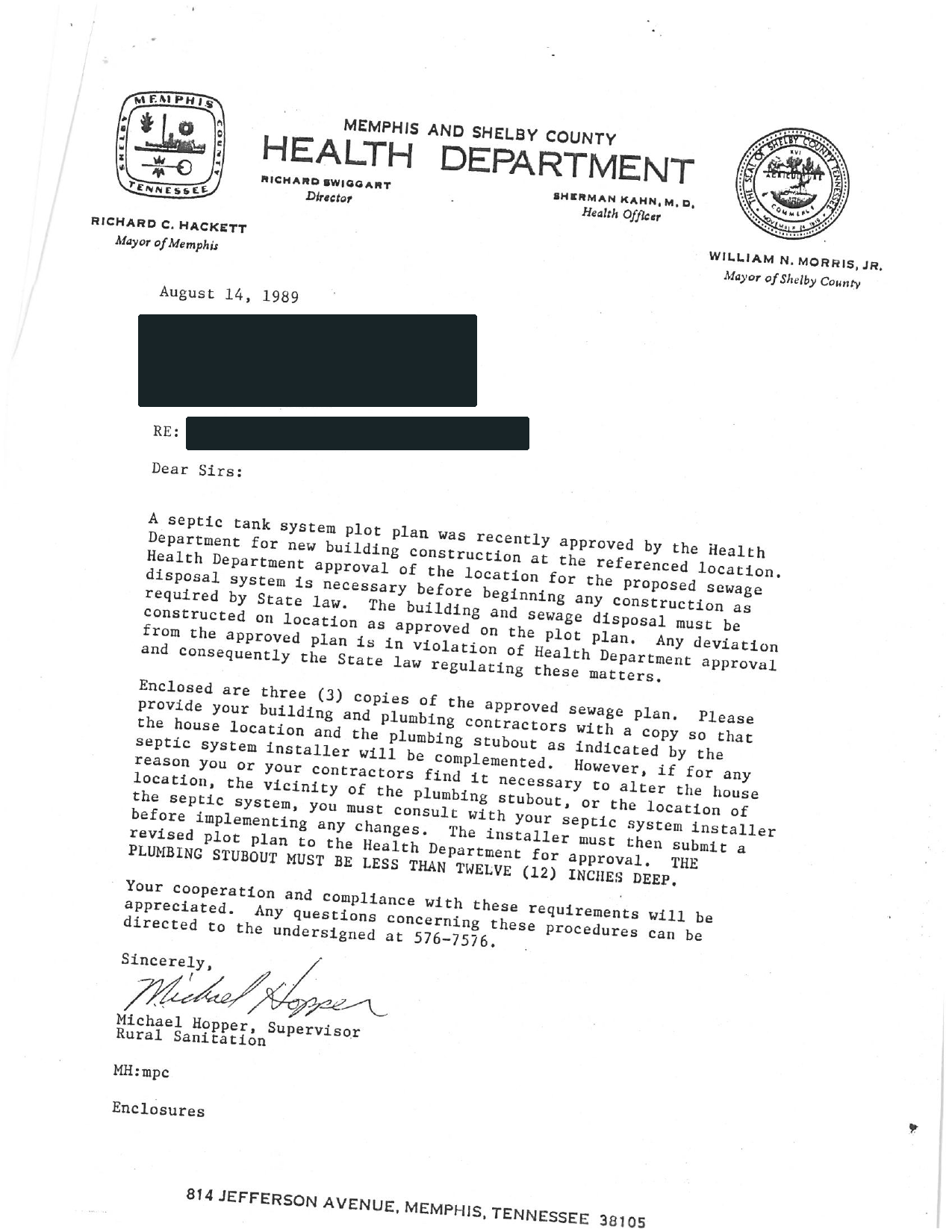
- 04 · The office said no record was found
- Preserve the response. Ask which property identifiers, years and archives were checked and whether another custodian may hold older files. Do not reinterpret the response as proof that no tank exists.
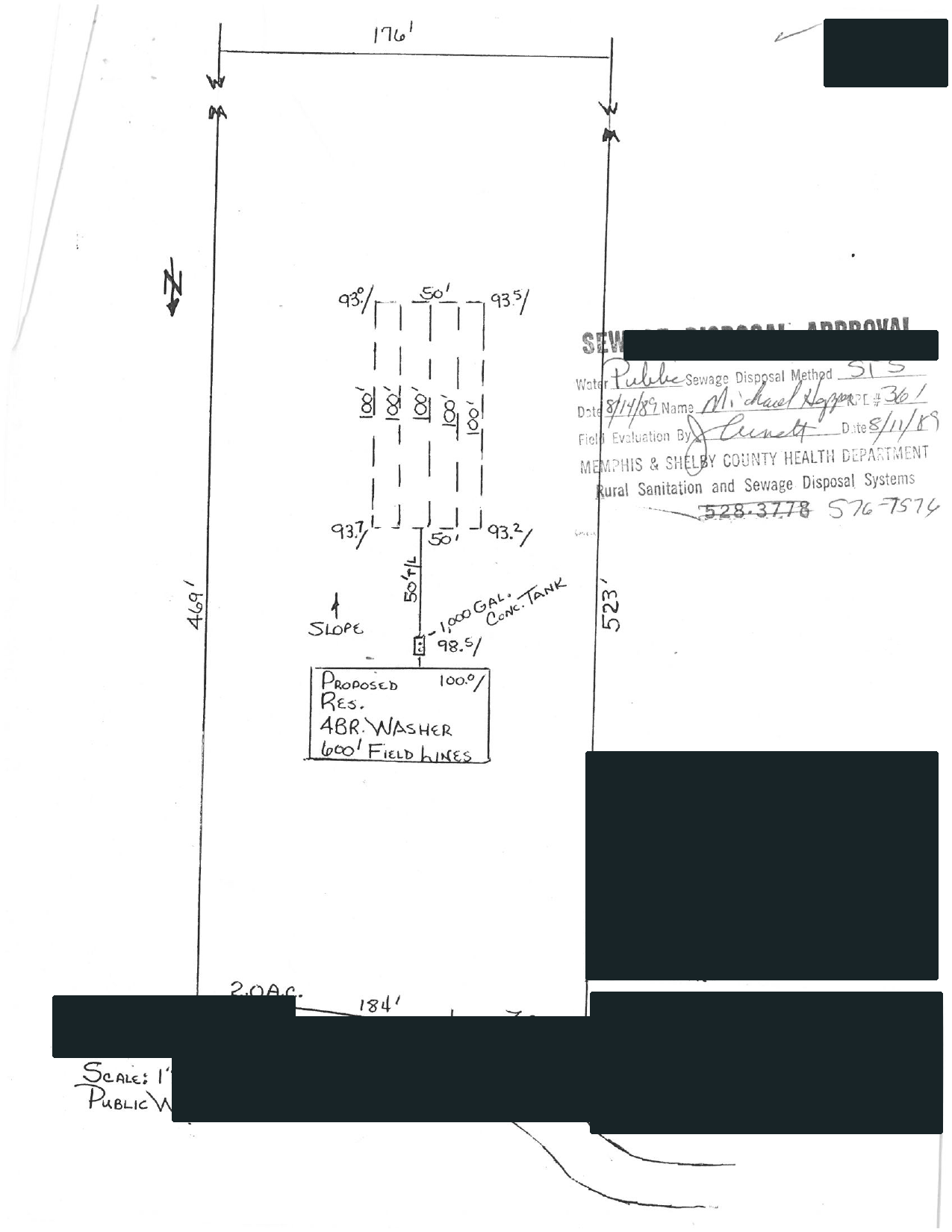
Illustrative search exampleThe property is old. The address is newer.
A modern address produces nothing, while an earlier owner or lot description produces a candidate. The next task is to connect those identities. Finding a similar name is a lead, not the end of the check.
Follow the property clues →
Illustrative search exampleThe office accepted the request.
A request number confirms that a request was created. It does not confirm that the requested drawing has been found. Keep “requested,” “received,” and “matched to the property” as separate steps.
What to ask for next →
Search came back empty? Follow the next search steps →
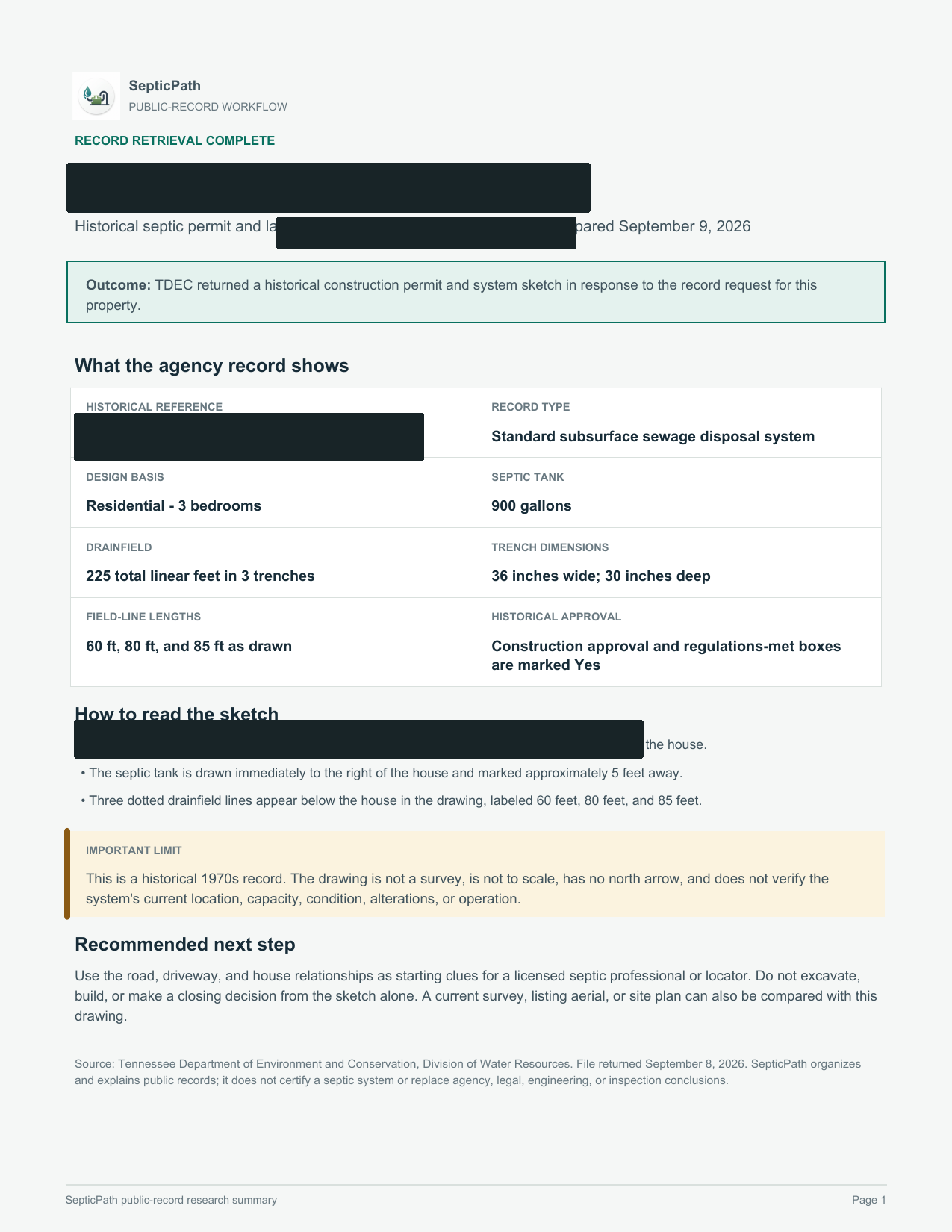
Have a drawing? Read the tank, field and approval labels →
Explore more real record-help cases →
Couldn’t find your septic record?
Send the address. We’ll check the record route and contact the relevant office when needed. You receive what we find, free. Agency fees only with your approval.
Already need a locate, inspection or service visit? Start a local service inquiry →